
Backup & Restore
The Backup & Restore area lets you download a full backup of the server's configuration and data, and restore the server from a previously downloaded backup archive.
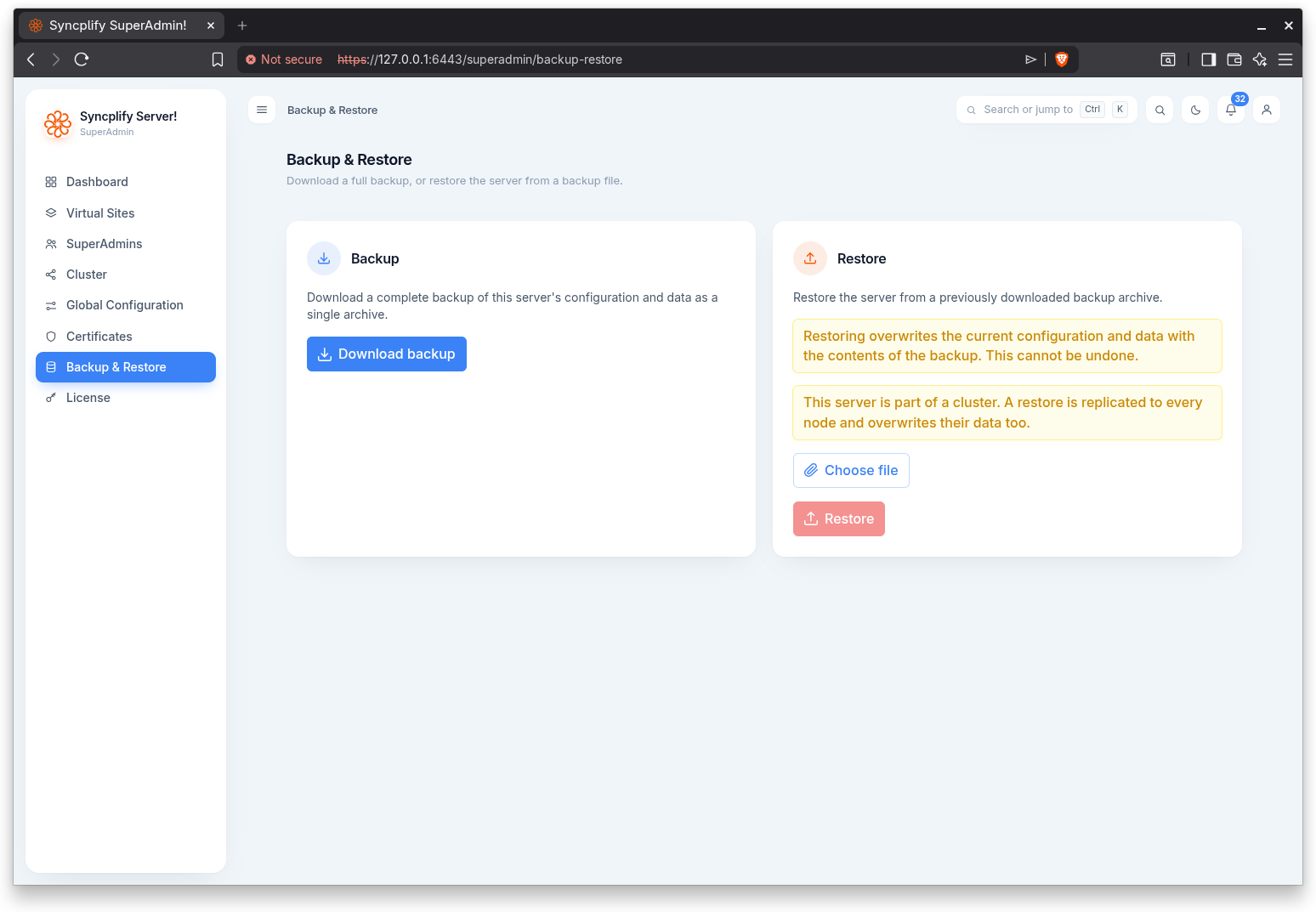
Backup
Enter a backup passphrase, type it a second time to confirm it, then select Download backup to download a complete backup of this server's configuration and data as a single archive. The file is named with the current date.
The passphrase is required, and it must be at least 12 characters long.
Every secret inside the archive, every password, private key and stored credential, is encrypted with a key unique to this installation. That key stays on the server. The passphrase seals a copy of it inside the archive, and that copy is what allows the backup to be restored on a rebuilt server or on a different one.
WARNING
Store the passphrase somewhere safe, separately from the archive. It is not saved anywhere and it cannot be recovered. Without it, the archive can only be restored on the very installation that produced it.
Nobody, including Syncplify, can read the contents of a backup archive without its passphrase.
Restore
To restore, choose a backup archive, enter the passphrase it was exported with, and then select Restore. Restoring asks for confirmation.
The passphrase is needed only for an archive that came from a different installation. Leave it empty when restoring an archive produced by this same server, whose encryption key is already present, or one taken by a version of the product that predates backup passphrases.
If the archive cannot be decrypted, the restore is refused and nothing is changed. That check runs before any existing data is touched.
WARNING
Restoring overwrites the current configuration and data with the contents of the backup. This cannot be undone.
IMPORTANT
If this server is part of a cluster, a restore is replicated to every node and overwrites their data too. A warning to this effect appears on the page when clustering is in use.